Mixing and EQ
EQ boosts or cuts selected frequency ranges.
- Describe the change you want to hear.
- Choose a filter and adjust it.
- Compare at a similar loudness, in context.
ReaEQ controls
- Frequency: where the adjustment acts.
- Gain: how much to boost or cut.
- Bandwidth: how wide a range it affects.
- Output gain: match the processed level for comparison.
Filter shapes
- Bell: boost or cut around a chosen frequency.
- Shelf: raise or lower a broad low or high range.
- High-pass: reduce frequencies below the cutoff.
- Low-pass: reduce frequencies above the cutoff.
Better, or just louder?
- Hear a short passage with EQ bypassed.
- Add a broad boost and listen again.
- Match the output loudness and compare.
What changed in the tone? Which version serves the mix?
Try a cut first
- Reduce an excess before adding more elsewhere.
- Boost when a useful part of the tone needs emphasis.
- Leave headroom and compare at matched loudness.
- If the whole track is too quiet, try its fader.
High-pass with a purpose
- Listen for rumble or low end the part does not need.
- Raise the cutoff until the sound loses useful body.
- Back it down and compare in the mix.
- Keep the filter only if it helps.
Finding a resonance
- Identify a problem by listening first.
- Use a narrow, temporary boost to locate it.
- Reset the gain and listen unprocessed.
- Try a small cut, then compare in context.
When a sweep misleads
- A large narrow boost can make many frequencies unpleasant.
- Search for a problem you already heard.
- Avoid cutting every peak on the analyzer.
- Bypass the cut: did the original problem return?
Masking in the mix
- One sound can make another harder to hear.
- Check balance and arrangement before reaching for EQ.
- Try a cut on the part that can spare that range.
- Judge the result with both parts playing.
Making room for a vocal
- Listen to the vocal with its accompaniment.
- Lower the competing instrument slightly.
- Compare that with a small EQ cut on the accompaniment.
- Which preserves the balance while helping the words?
Frequency landmarks: low end
| Approximate range | Listen for |
|---|
| Below 150 Hz | Weight and rumble |
| 150–400 Hz | Body or muddiness |
| 400–500 Hz | Boxiness |
| 600–800 Hz | Honk |
Treat these as places to investigate, not fixed settings.
Frequency landmarks: upper range
| Approximate range | Listen for |
|---|
| 1–1.6 kHz | Nasal tone |
| 2–4 kHz | Presence or harshness |
| 5–8 kHz | Brightness or sibilance |
| Above 12 kHz | Air |
The same range may help one source and hurt another.
Instrument ranges
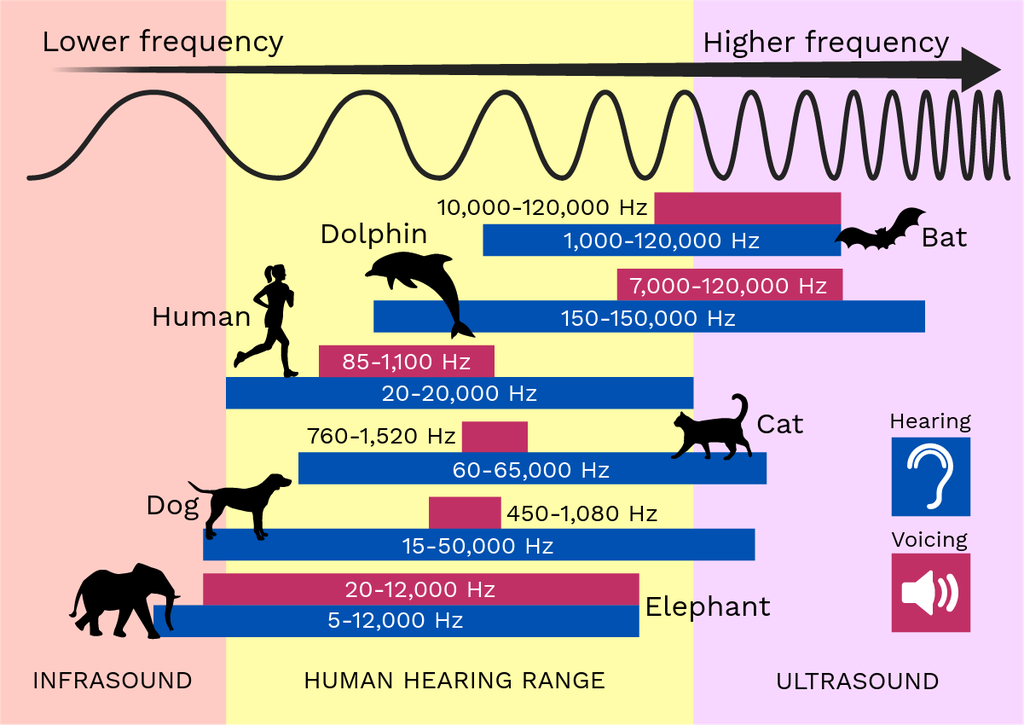
Open the full-size chart
Guess the range
- Listen to pink noise at a comfortable level.
- Choose: 500 Hz, 1 kHz, or 2 kHz.
- Write your answer before the reveal.
- Explain what you heard, then try again.
From boosts to cuts
- Repeat a familiar frequency with a cut.
- Toggle bypass and listen for what returns.
- Try the same region on a musical passage.
- Describe the change before calling it better.
Before keeping an EQ move
- Can you name the problem or intended effect?
- Does the change help at a similar loudness?
- Does it work in the full mix?
- What useful tone did you lose?
References for the lab
Use the chart to choose a starting region. Let listening decide the final setting.
Sources
- Mike Senior, Mixing Secrets for the Small Studio, ch. 11–12.
- Ian Corbett, Mic It!, 2nd ed., ch. 2.
- Jason Corey, Audio Production and Critical Listening, 2nd ed.